
Points gifts · Step by step
Your Points Gift, From Redemption to Delivery
Ready to turn your points into a little extra for your collection? Here’s how to add a gift to your order, what’s inside a blind box, and what happens if your reward needs a restock.
Updated: October 19, 2026 · Amounts shown in U.S. dollars
How do I put a points gift in my order?
- Add a regular product you’re buying to your cart.
- Sign in and open My Account → Points & Rewards.
- Choose your gift and click Redeem Now. You’ll spend the points to create a gift coupon.
- Apply that gift coupon to your cart. Use the account and checkout email linked to your reward.
- Before paying, check that the matching gift appears as one reward item at $0.
- Place your order with the regular product and gift together.
If the gift isn’t in the order summary, contact us before paying. A $0 reward listing on its own doesn’t redeem points or create a standalone free order.
Can I pick the character inside the blind box?
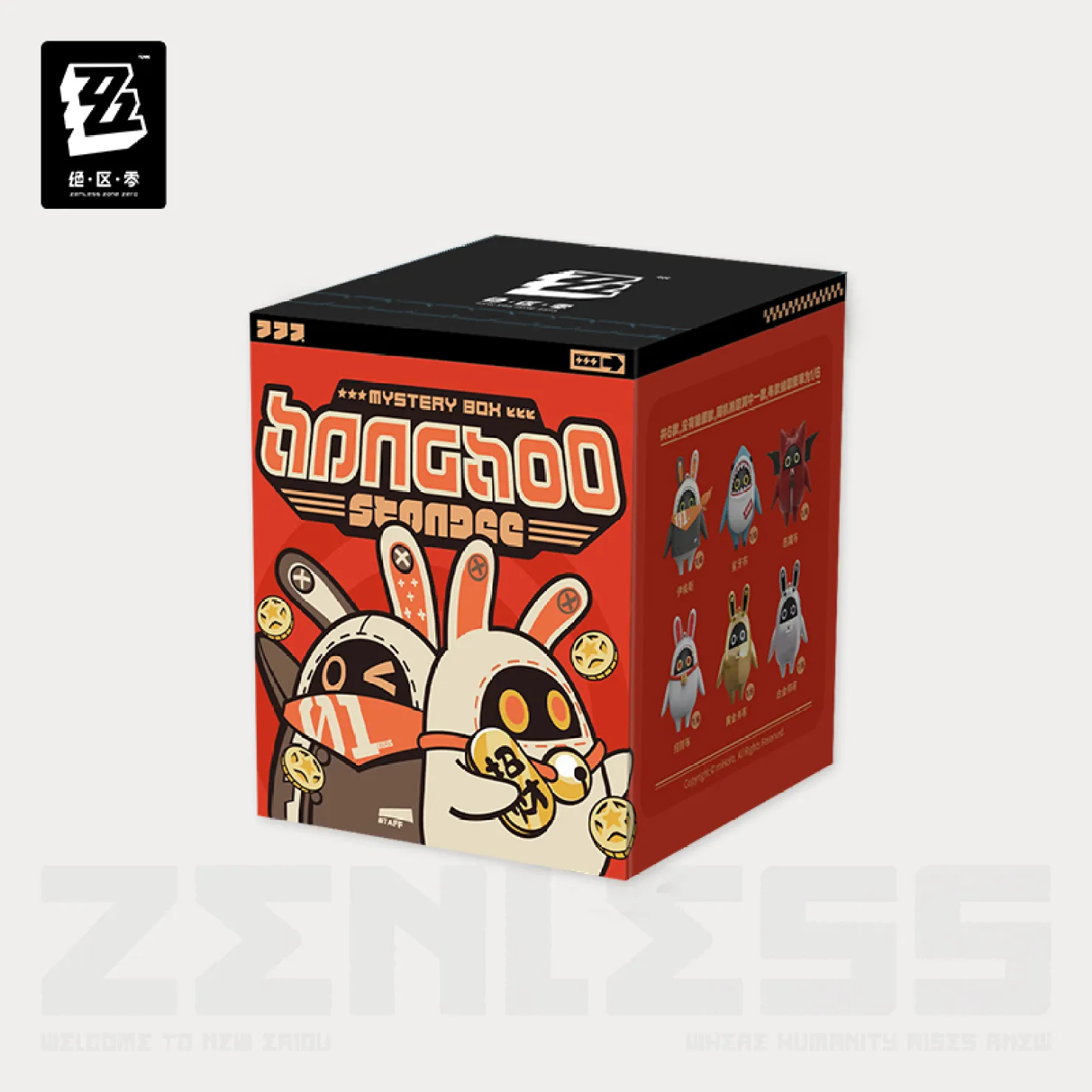
Red box · 600 points
One random Bangboo blind box in red packaging.
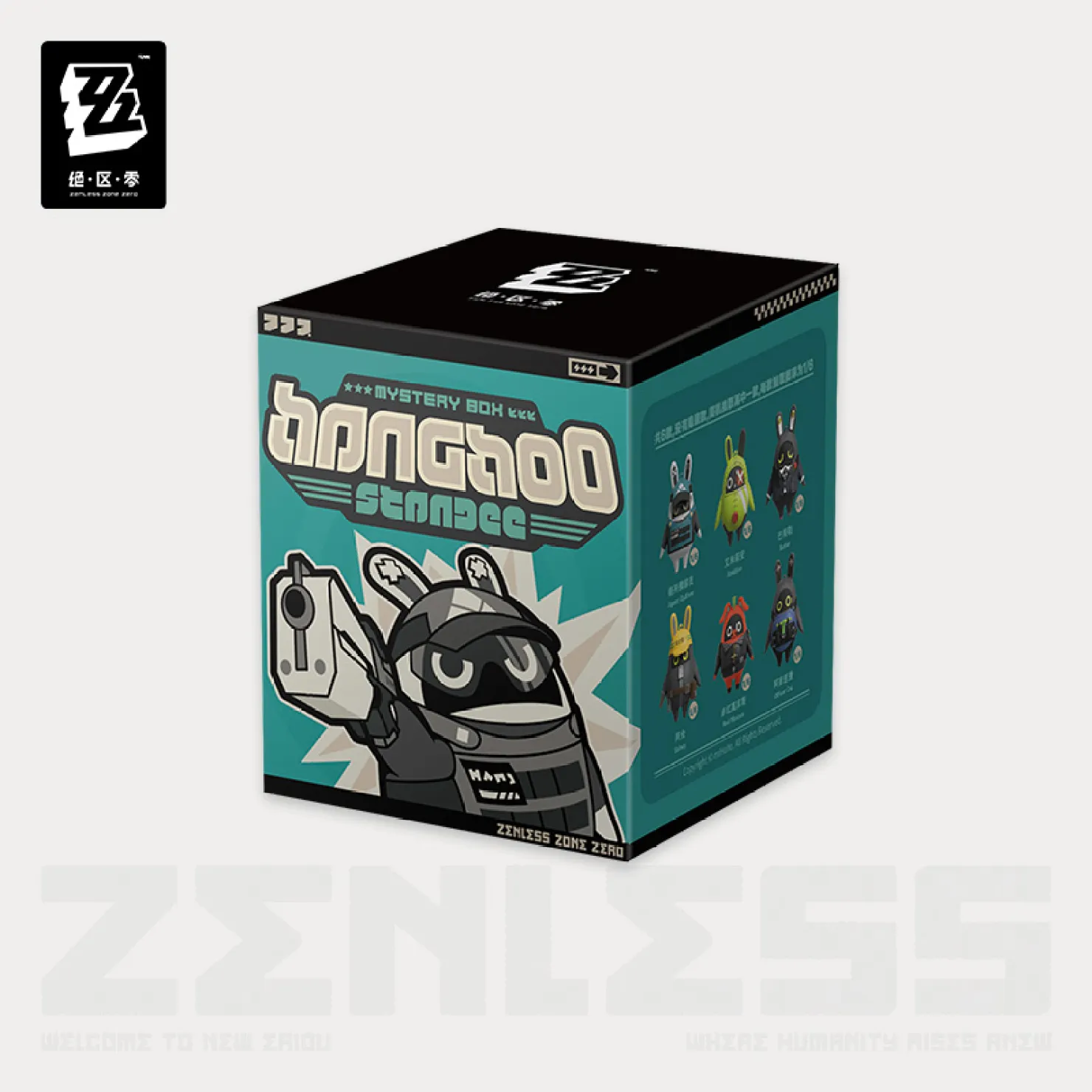
Teal box · 600 points
One random Bangboo blind box in teal packaging.
You can choose the red or teal box reward. The character and design inside are random, so you can’t pick a specific one. Each redemption is for one box, not the full lineup shown on the packaging.
Do points gifts include free shipping?
Normal shipping charges apply to your original order. A points gift coupon covers the matching gift; it doesn’t turn the whole order into a free-shipping order. Check your total at checkout.
There’s one separate case: if your points gift is out of stock and has to be sent later, we pay for that later shipment. You won’t be charged extra shipping for the delayed reward.
What if my points gift is out of stock?
Out of stock? We’ll wait for a restock. If your points gift is out of stock, we’ll send that reward separately once it’s back in stock. We’ll cover the shipping cost for that later shipment. You won’t pay an extra shipping charge for it, and we won’t substitute a different gift.
We can’t promise a restock date before it’s confirmed. If you have a question about a reward you’ve already redeemed, email support@zenlesszonezero.toys with your order number and the email used at checkout.
Can I add two gift rewards or use a promo code too?
You can use one points reward coupon per order. It can’t be combined with another gift coupon, a money-off points coupon, or a promo code.
An order using a points gift coupon also doesn’t earn new purchase points. You can keep saving the unused points in your account; they don’t expire.
I redeemed the wrong gift. What now?
If the coupon is unused, look for Revert to points in your account. If that option is available, it cancels the coupon and puts the points back so you can choose again.
Removing the coupon from your cart alone doesn’t return the points. If it’s already been used, or you can’t find the return option, email support@zenlesszonezero.toys. Please check your existing coupons before redeeming a second time.